Family structures change over time due to births, marriages, and other life events. The UP Family ID (Parivar Pehchan Patra) system allows you to add new members to your existing family ID. This page provides detailed information on how to add members to your UP Family ID.
Who Can Be Added to Your UP Family ID?
The following family members can be added to your existing UP Family ID:
- Newborn Children: Babies born to existing family members
- New Spouse: If a family member gets married
- Adopted Children: Legally adopted children
- Parents/In-laws: If they move in and become dependent on the family
- Previously Missed Members: Family members who were not included in the original application
Online Process for Adding Members
Follow these steps to add new members to your UP Family ID online:
Step 1: Login to the UP Family ID Portal
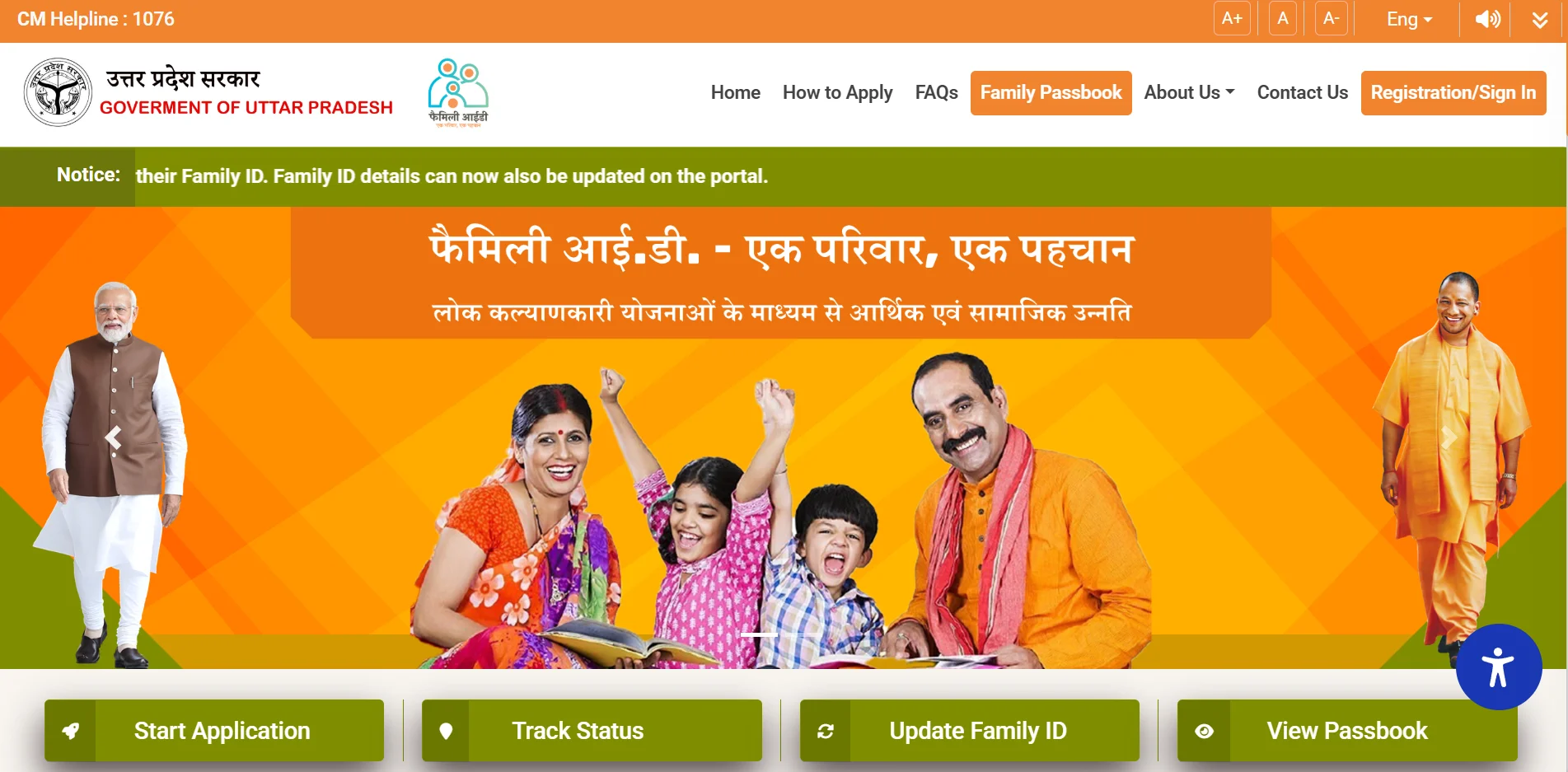
Visit familyid.up.gov.in and login with your registered mobile number and password.
Step 2: Navigate to Update Section
Look for "Update Family Details" or "Add Member" option on your dashboard.
Step 3: Select Add Member Option
Click on the "Add Member" option from the available update choices.
Step 4: Enter New Member Details
Fill in the following details for the new member:
- Full name (as per Aadhaar or birth certificate)
- Date of birth
- Gender
- Relationship with the head of the family
- Aadhaar number (if available)
- Mobile number (if available)
- Education details
- Occupation details
Step 5: Upload Required Documents
Upload scanned copies or clear photos of the required documents:
- Aadhaar card of the new member (if available)
- Birth certificate (for newborns)
- Marriage certificate (for new spouse)
- Adoption papers (for adopted children)
- Passport-size photograph of the new member
- Proof of relationship with the family head
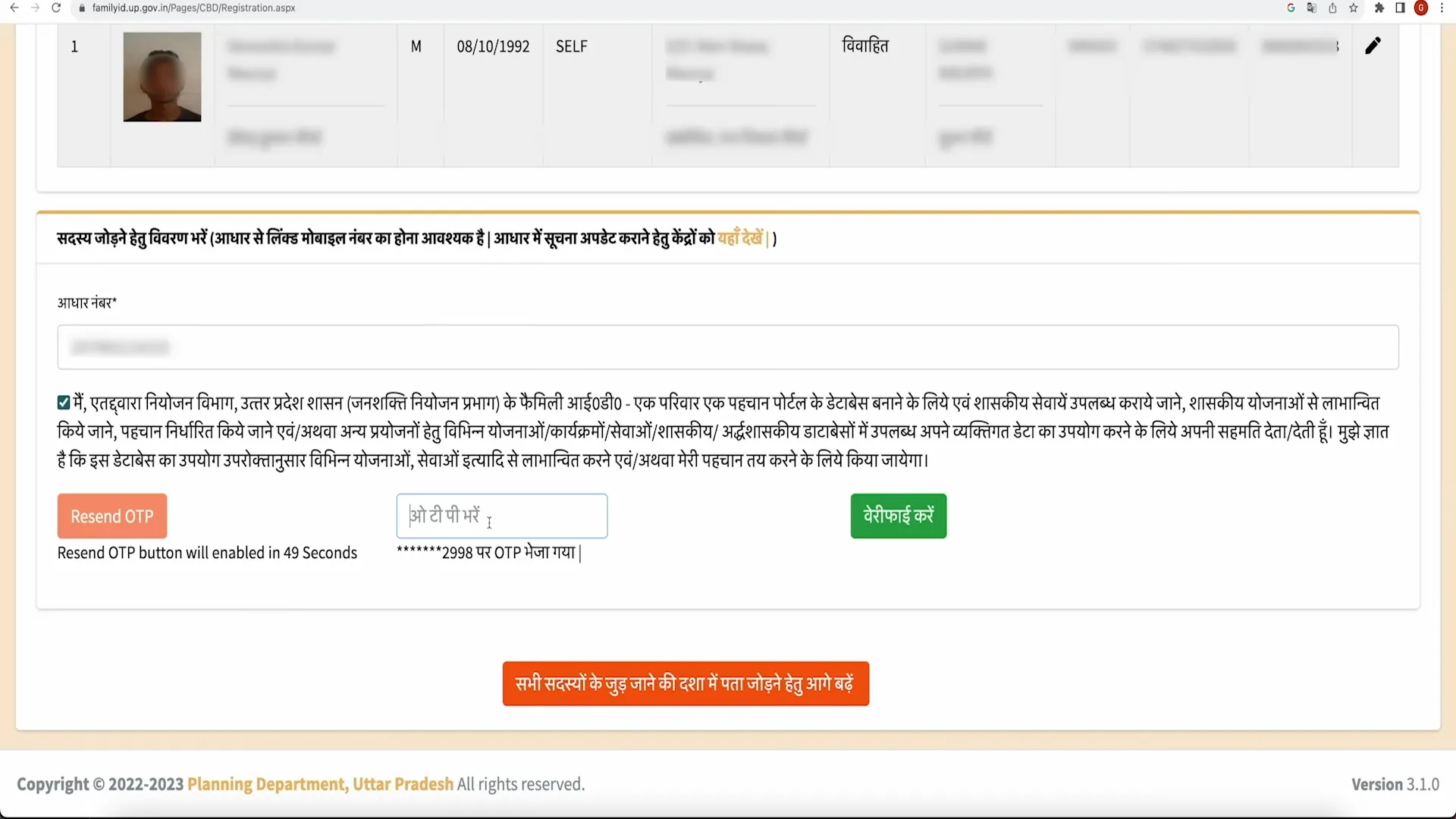
Step 6: Verify with OTP
An OTP will be sent to your registered mobile number. Enter it to verify the request.
Step 7: Submit and Get Reference Number
Review all information, click Submit, and note down the reference number for tracking the status.
Offline Process for Adding Members
If you prefer to add members offline or face difficulties with the online process, you can follow these steps:
Via Jan Seva Kendra / CSC
- Visit your nearest Jan Seva Kendra or Common Service Center (CSC)
- Carry all required documents for the new member
- Provide your UP Family ID details to the operator
- The operator will help you fill and submit the member addition form
- Verify the details before final submission
- You'll receive a reference number for tracking
- There may be a small service fee for this assistance
Required Documents
Depending on who you're adding, you'll need different documents:
For Newborn Baby
- Birth certificate issued by the hospital or municipal corporation
- Aadhaar card of parents
- Passport-size photo of the baby (if available)
For New Spouse
- Marriage certificate or proof of marriage
- Spouse's Aadhaar card
- Passport-size photograph of spouse
- Residential proof (if different from family address)
For Adopted Child
- Legal adoption papers
- Birth certificate of the child
- Aadhaar card (if available)
- Passport-size photograph
For Parents/In-laws
- Aadhaar card
- Proof of relationship with family head
- Passport-size photograph
- Age proof
After Submission: Next Steps
- Verification: Government officials verify the submitted documents and information.
- Processing: The addition request is processed within 7-14 days.
- Status Check: You can track the status using your reference number on the official portal.
- Approval/Rejection: You'll receive notification when your request is approved or rejected.
- Download Updated ID: After approval, download the updated UP Family ID with the new member included.
Troubleshooting Common Issues
- Document Rejection: Ensure all documents are clear, legible, and valid.
- System Errors: If you face technical issues, try using a different browser or device.
- Verification Failure: Double-check all information matches exactly with official documents.
- Delayed Processing: If your application is taking longer than expected, visit a Jan Seva Kendra for assistance.
Common Questions About Member Addition
How soon should I add a newborn to my Family ID?
Ideally within 2-3 months of birth, once you have the birth certificate.
Can I add someone who doesn't live with us?
No, only family members residing at the same address can be added.
What if the new member doesn't have an Aadhaar card?
For adults, an Aadhaar card is mandatory. For newborns, you can apply first with the birth certificate and update with Aadhaar later.
Is there a limit to how many members can be added?
There's no specific limit, but all members must be legitimate family members living in the same household.
How long does the member addition process take?
Typically 7-14 days for verification and processing, but it may take longer during peak periods.
Safety Tips
- Only use the official website for adding members
- Never share your login credentials or OTP with anyone
- Keep copies of all submitted documents
- Verify all details before final submission
- Note down the reference number provided after submission